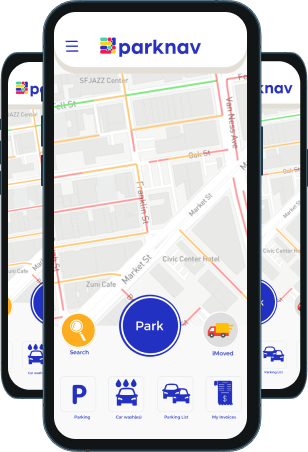
Parknav MCP
Connect Claude to real-time parking availability data anywhere in the world.
What It Does
The Parknav MCP server gives Claude two tools:
- get_parking_heatmap — Returns a GeoJSON heatmap of parking availability around a location.
- summarize_parking — Returns a plain-English summary of nearby parking conditions, sorted by distance.
How to Connect
- Open Claude → Settings → Connectors
- Add a new connector with this URL:
https://parknav-mcp-pa3oaaxb2a-uc.a.run.app/sse - Sign in with your @parknav.com Google account when prompted
Requirements
Access is restricted to Parknav team members with a @parknav.com Google account.
Privacy
See our MCP Privacy Policy.